Printable invoice template
Every design prints on A4 with balanced margins, so the page you preview is the page that reaches the printer: line items, Tax, Shipping and Balance due stay aligned.
Open the previewInvoice Best Maker ships editable invoice templates you can open in the generator, fill with your details and download as a PDF — no signup, right in your browser. Pick a design and the totals already work.
Four ways people start here. Each card opens a preview or the gallery on this page, so no card leads to a missing page.
Every design prints on A4 with balanced margins, so the page you preview is the page that reaches the printer: line items, Tax, Shipping and Balance due stay aligned.
Open the previewBlank means the layout with nothing in it: clear the demo details and type your own Company, Client name and line items. Totals stay empty until you enter Qty and Unit price.
Start from a blank layoutBill by the hour: put the work in Description, hours in Qty and your rate in Unit price. Line totals, Tax and Balance due add up as you type.
Preview the hourly layoutNot a payment request: switch Document type to Pro forma, send the figure for approval or customs, then turn it into an invoice once the client agrees.
Open a pro forma draftSix designs ship in the generator today, all built on the same engine as the previews below. Preview one, then open it in the generator with your details in place.
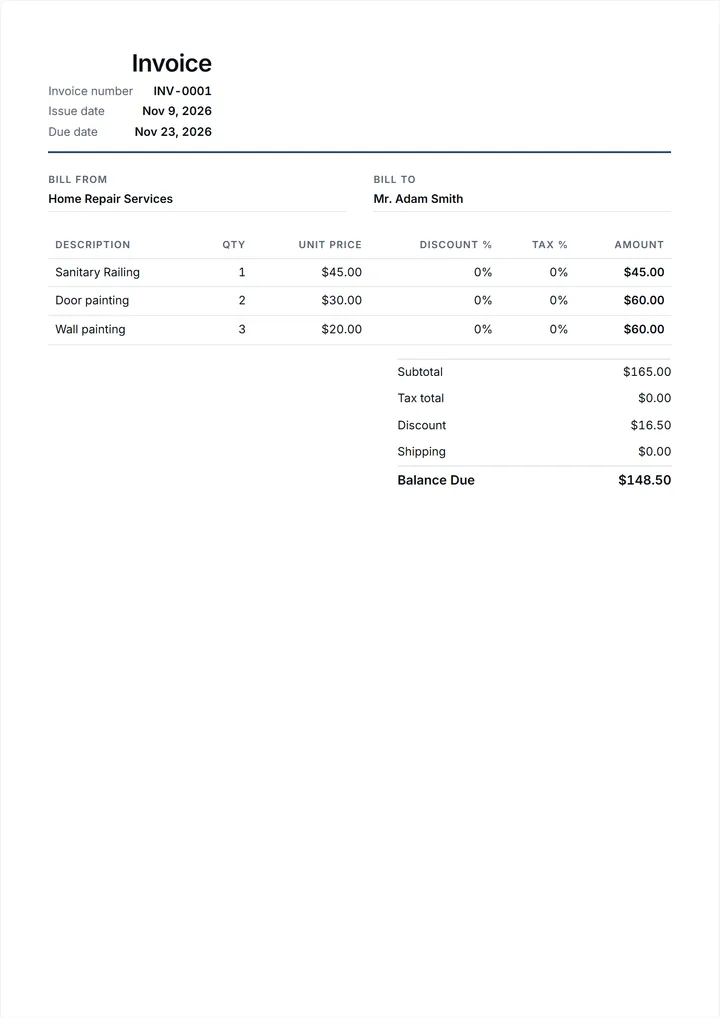
The default look: a ruled header, clear columns and a printed-paper feel. Clients who pass invoices to a bookkeeper pick this one first.
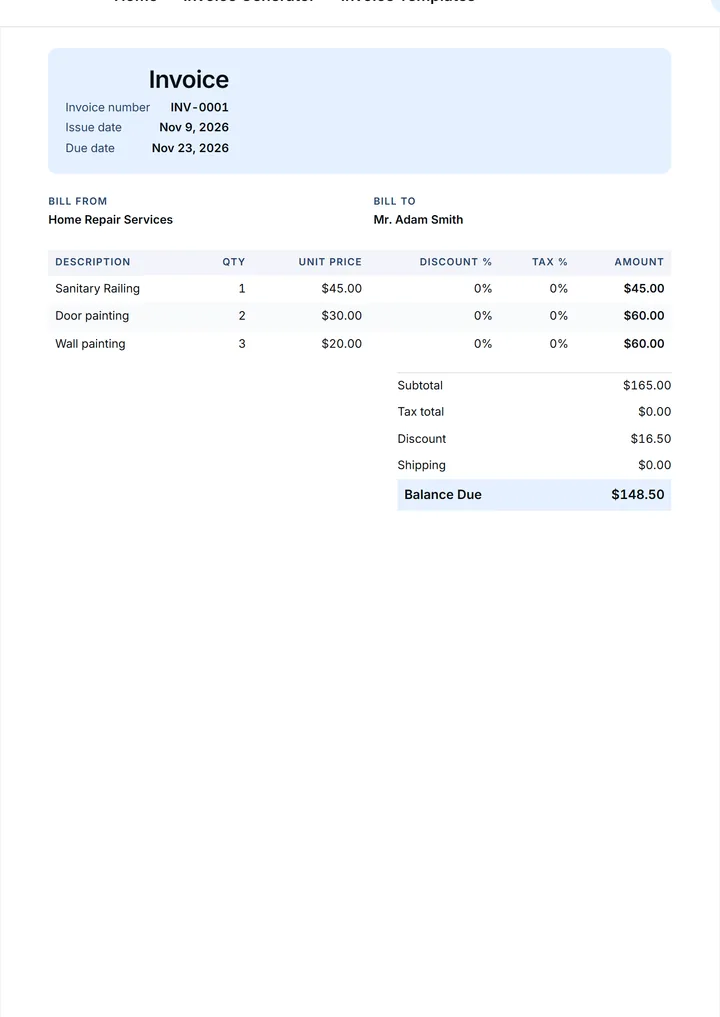
A colored header band and a Balance due block where the eye lands first. Suits studios and agencies that bill monthly.
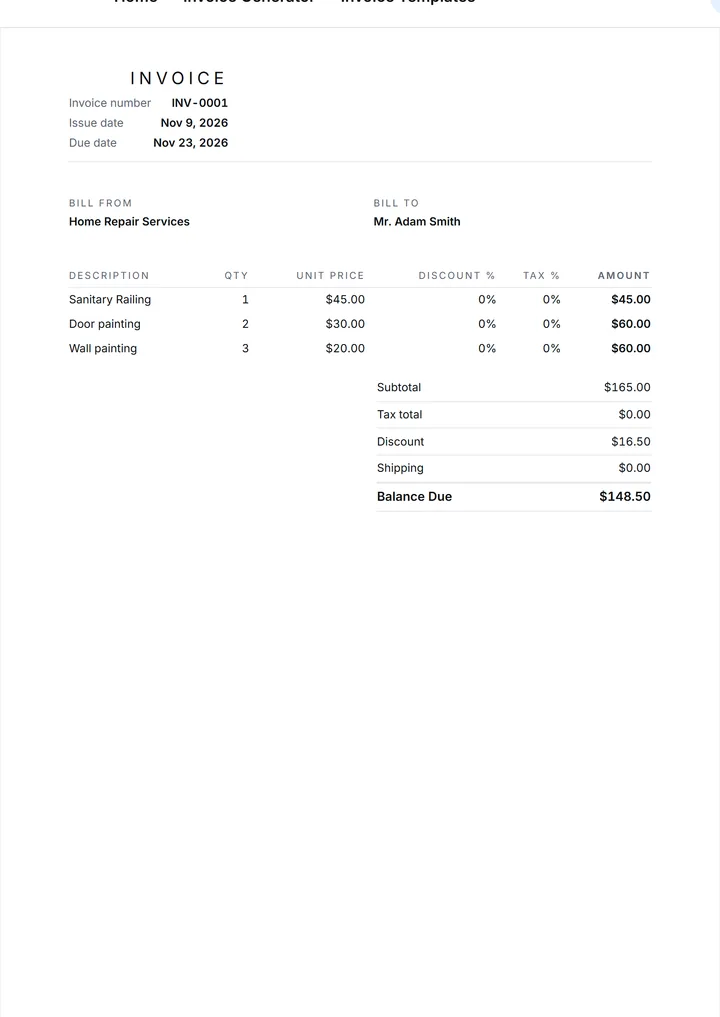
Hairline rules, no bands, no decoration: only who, what, when and Balance due. Built for one or two line items.
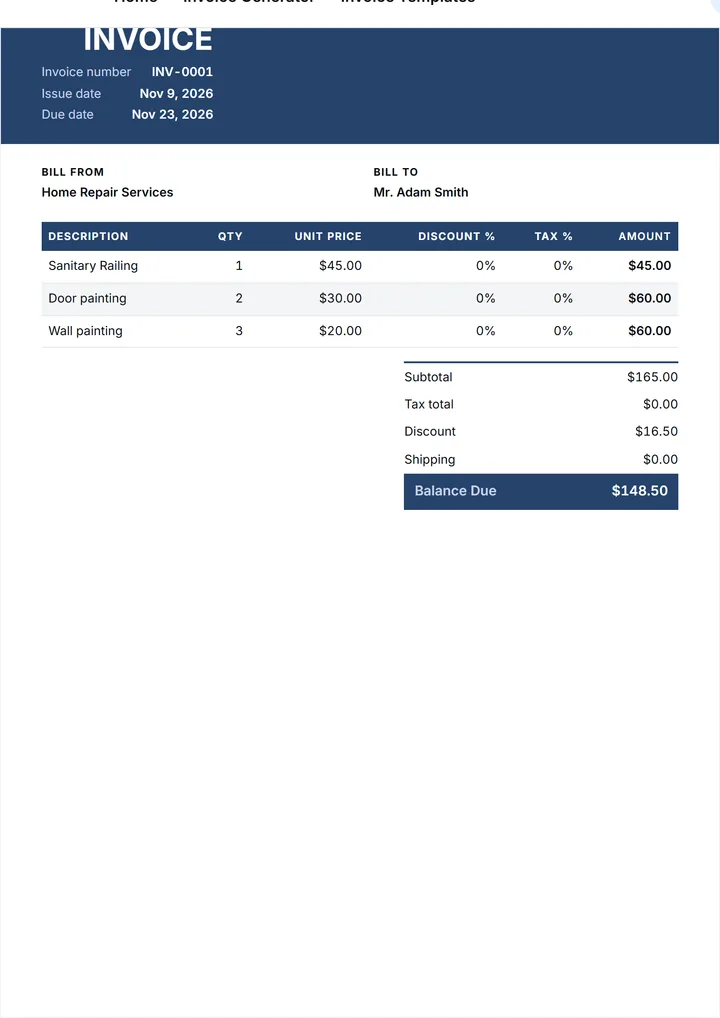
A heavy headline, a wide accent stripe and larger totals. For documents that travel through an office and get read on a phone.
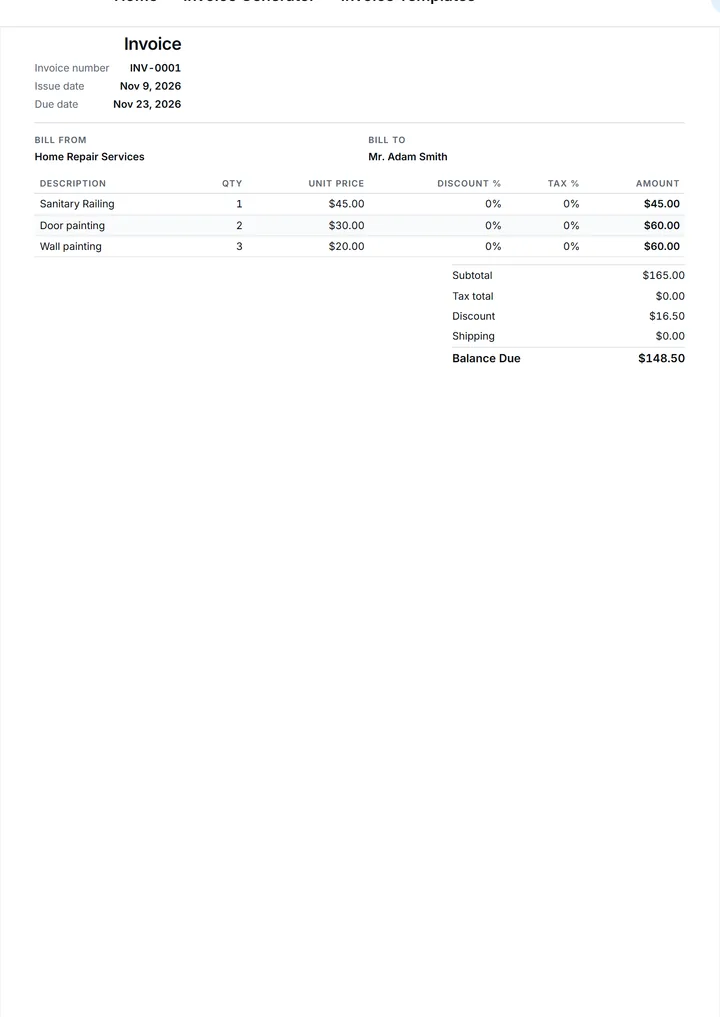
Tight spacing and small type for long lists: ten line items still read as one page, and column alignment holds.
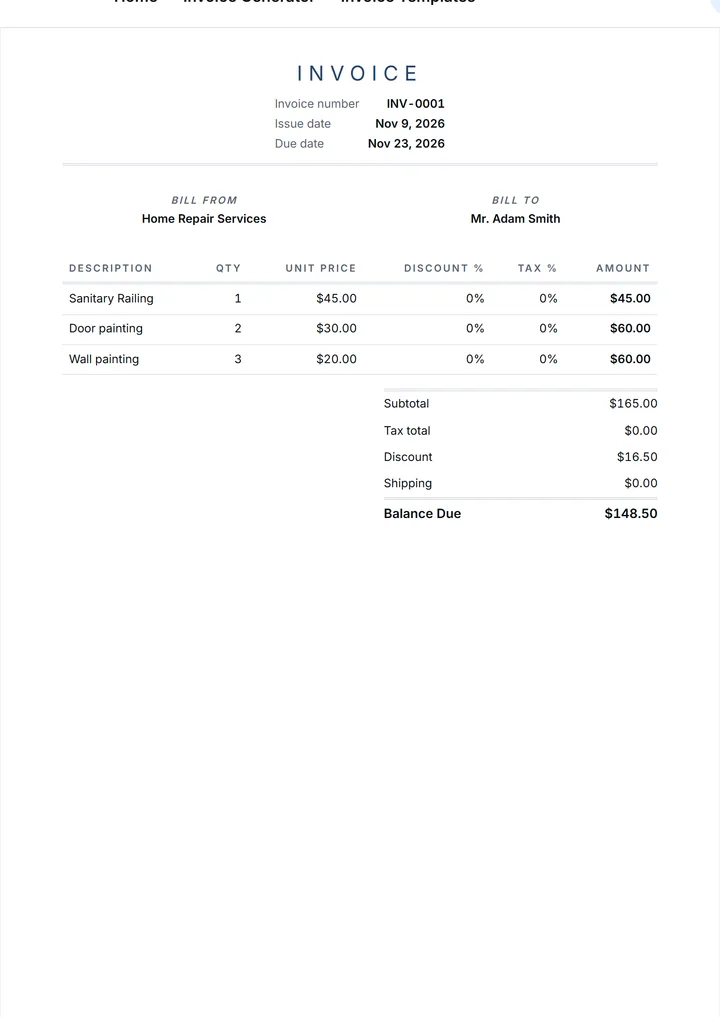
Lighter weights, softer rules and wider margins around the totals. A quiet fit for portraits, weddings, interiors and similar client work.
Most people arrive here looking for a file format, so here is how this page works. Each design is a starting layout, not a document tied to one program: open it in the invoice generator, fill it, then take it wherever you work — print it, email the PDF, or keep the figures in your own sheet. The generator hands you a PDF, not an editable Word file, and the same layout prints from an iPhone, an iPad or a desktop browser. The rows below give the practical route.
Word stays a fine home for an approved document. Print it to PDF here and attach that PDF to your Word letter, or copy the finished figures into a file you keep. No `.docx` arrives in your downloads; nothing needs Word to look right.
Many people keep their own ledger in Excel, and nothing stops that habit. Create the document, check Subtotal, Tax and Balance due, then re-enter the totals in your sheet or print the PDF for the accountant. No formula breaks an approved total.
PDF is the format this page produces. Preview renders the document at A4 size; the browser print dialog saves it as a PDF or sends it to a printer, so layout, fonts and totals cannot shift on the way to your client.
A Google Docs letter can carry the covering note while the PDF carries the numbers. Open Drive on your iPhone or iPad, upload the PDF, and the document stays shareable with anyone you invite.
If your records live in a sheet, treat the PDF as the source and the sheet as the ledger: date, Number, client and Balance due are enough for a monthly summary, and the client gets a document, not a grid of cells.
A template earns its place when it fits the work behind the document. A handyman, a physiotherapy clinic and a design studio need the same fields — who the invoice goes to, what was delivered, the rate, the total — but they do not read them the same way, and they rarely send it at the same moment. A contractor wants the scope of works and the retention line to stand out; a consultant wants a plain retainer period and nothing else on the page.
So browse by the kind of work rather than by file type. Each category below shows what usually goes in Description, which lines deserve their own row, and which details make a payment look routine rather than questionable. Choose the closest, keep the fields you need and leave the rest out: a template is a starting point, not a form you must fill completely.
None of these categories links to a separate page in this release. The gallery above, the format rows and the six steps below cover every case named here, and one design can serve three trades without looking reused. Treat a category as a way of reading the collection, not another URL to chase through a menu.
Six designs, one decision. Open the gallery, preview two or three and keep the one your client reads most comfortably. Numbers, dates and totals behave the same in every design.
Choose Use this template, or open Invoice generator directly: the design you picked is already applied, and a sample document loads with details you can overwrite line by line.
Overwrite the demo Company and Address with your own, then set Client name, Email, Issue date and Due date. The Due date follows your Payment terms.
Delete the sample Description rows and enter the real work: one line per deliverable, visit or stage, with Qty, Unit price and Tax on that line.
Set Discount, Shipping and Currency, then read Subtotal, Tax and Balance due before you send anything. The arithmetic is done for you; the review is still yours.
Open Preview, then save or print the PDF from your browser; drafts are stored in your browser localStorage; nothing is uploaded to a server. In the app, the finished document is kept in the app's cloud storage.
An invoice is a business document with one job: to state, without argument, what was delivered and what is owed. A client who reads a clear line item, a date and a Balance due can approve it in a minute and pass it to whoever signs the check. A client who reads a vague paragraph writes back with a question, and every question is a day added to the payment. A tidy layout also protects you, because a document that names the work, the rate and the terms is easier to file, to search later and to attach to a reminder when a date passes.
A pre-designed layout settles the questions that cost time: which fields belong at the top, how wide a description column should be, where Tax sits and where the total belongs. Once those decisions are made for you, the work left is the part only you can do. Fill in the client, the dates and the line items. The layout holds, column alignment holds, totals add up. Six designs cover most of that ground, and a document you finish in a few minutes tends to be more accurate than one you assembled from scratch.
For a freelancer, a fixed layout keeps a recurring document quick to produce between jobs. For a small business, it gives every invoice the same shape, which is what an accounts inbox expects. For a larger team, one agreed layout keeps numbering, terms and totals consistent across everyone who sends an invoice. If you invoice once a year, any clean page will do, and there is no shame in that. If you invoice weekly, a design you no longer rebuild saves the part of the week you spend on admin.
Yes. Building a document here costs nothing and asks for no account or card. The app has its own limit. Free for your first 3 invoices. Then from $4.99 per month, $29.99 per year, or a $99.99 lifetime option. Prices shown in the App Store may change.
Yes for the logo: upload a PNG, JPG, WebP or SVG up to 2 MB and it sits in the header. Colors follow the design you choose, since each of the six layouts has its own accent band and weights. Type sizes and margins stay fixed, which is why every design still prints on A4 correctly.
No. Nothing here opens in Word or Excel. Pick a design, fill the fields in your browser, then print or save the result as a PDF. If you keep a spreadsheet for your own records, enter the finished totals there afterwards, so one set of numbers stays in charge.
A print-ready PDF, from Preview or the browser print dialog: choose Save as PDF and the file is yours to email or attach. Editable Word, Excel, Google Docs and Google Sheets files are not offered for download in this release, so the format rows describe working with a PDF.
Yes, in both places. The generator runs in a browser on iPhone, iPad or desktop, so a document can start in the car and finish at a desk. Editing in the app happens on a phone or tablet. Requires iOS 8.0 or later.
Open the invoice generator and send your first document now, or get Invoice Best Maker on the App Store for iPhone and iPad. The first 3 documents are free. Prices shown in the App Store may change.