Invoice Best Maker
Create a clean PDF invoice with your details, line items and a layout that fits your business.
Also available on the App Store — iPhone & iPad. 
- 4.6★
- 163 App Store ratings
- Made for iPhone and iPad
- No account required
- 3 invoices free
Prices shown in the App Store may change.
More time for business. Less time on paperwork.
Hours disappear one invoice at a time. You reopen an old document, copy the client details, retype the same line items, fix a total that no longer matches, then export the file and rename it and attach it to an email. Multiply that by every client and every month and the paperwork starts to look like a second job. That can be 40+ hours a month you keep for billable work.
Invoice Best Maker keeps the repeatable part in one place: your own details, your client list, your usual line items, your numbering, your taxes. The rest is a few taps and a look at the preview. The result is a document you are willing to put your name on, produced while the coffee is still hot.
Create invoices in seconds
Start from the generator or from the app, choose Invoice, Estimate, Receipt or Pro forma, and fill the fields you already know: Client name, Qty, Unit price, Tax, Discount. Subtotal, Shipping and Balance due are calculated as you type, so the arithmetic is never your job. Check the preview, then print or save the PDF.
Open the invoice generatorMake it your brand
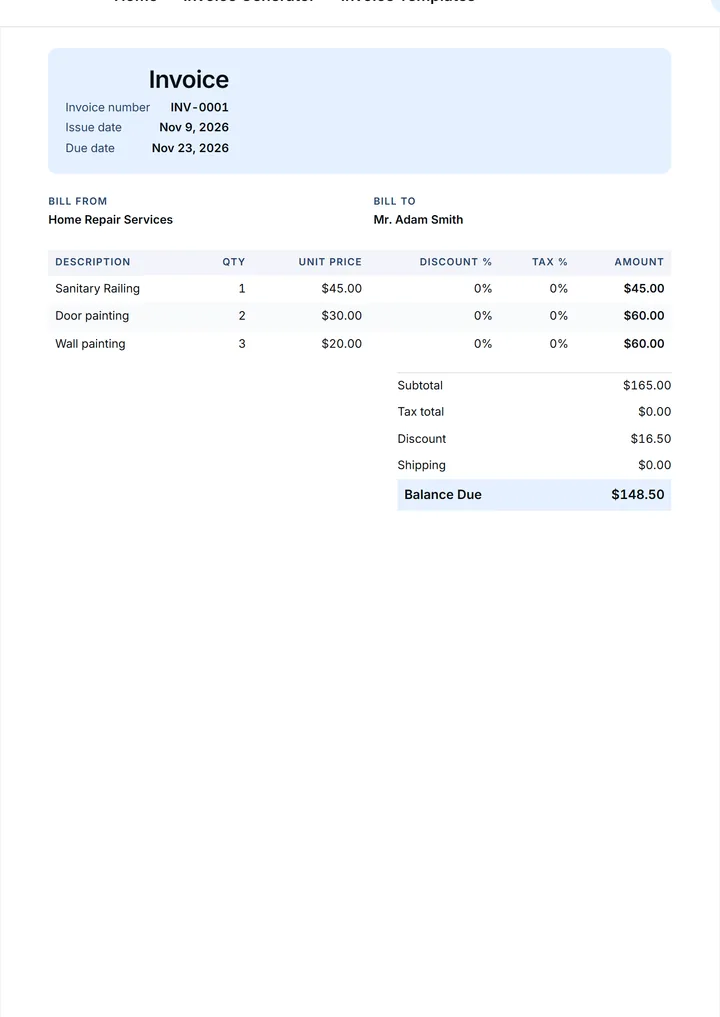
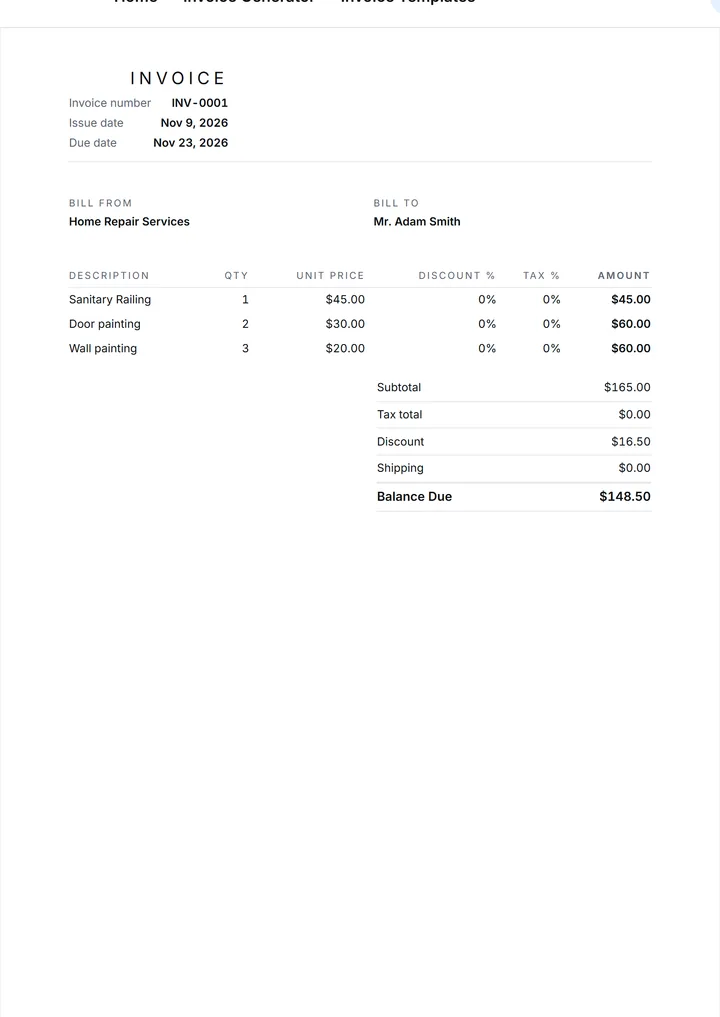
Your invoice should look like your business, not like a blank form. Add your Logo, choose one of 6 templates — Classic, Modern, Minimal, Bold, Compact, Elegant — and set your colors, accent and default payment terms. The same design carries through every document, so clients recognize your paperwork at a glance. Save it once and every later document inherits it.
See invoice templates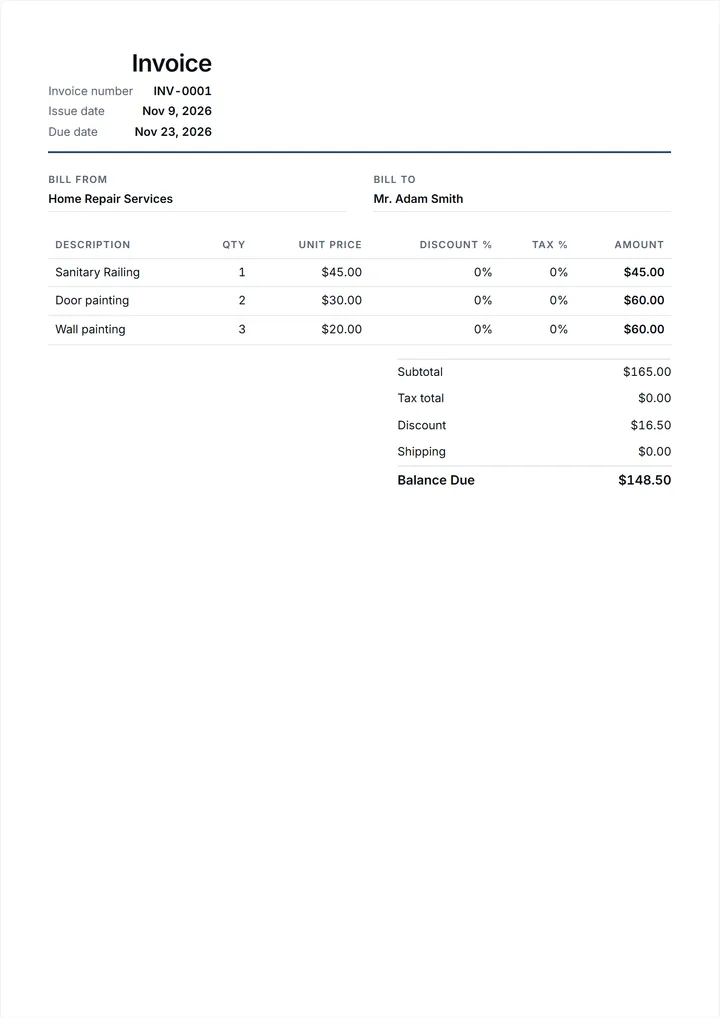
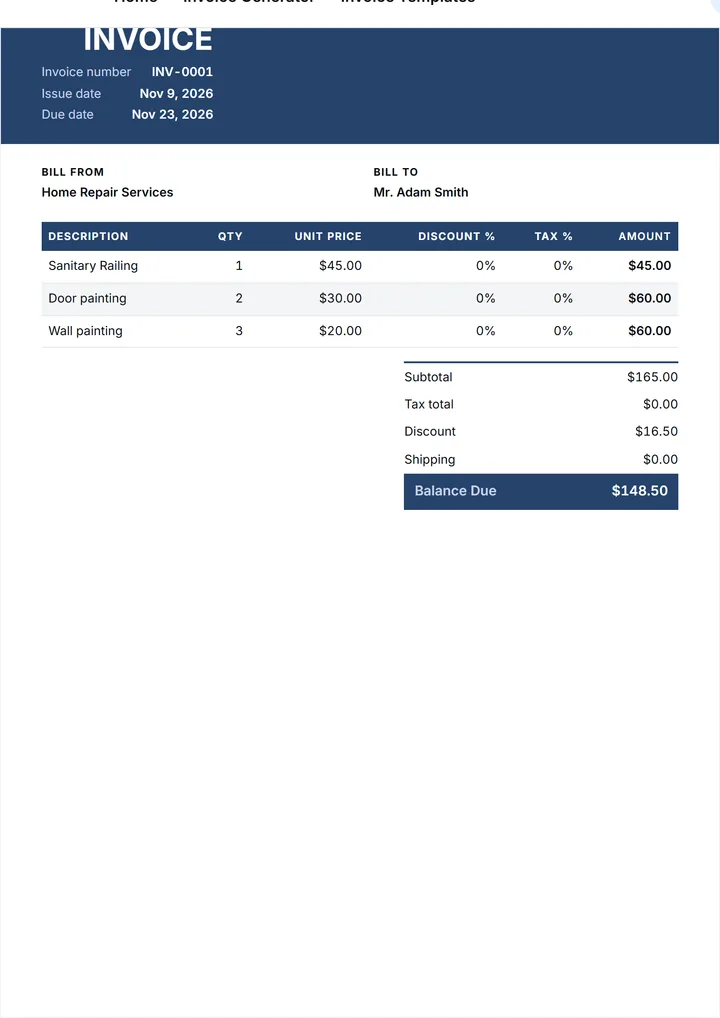
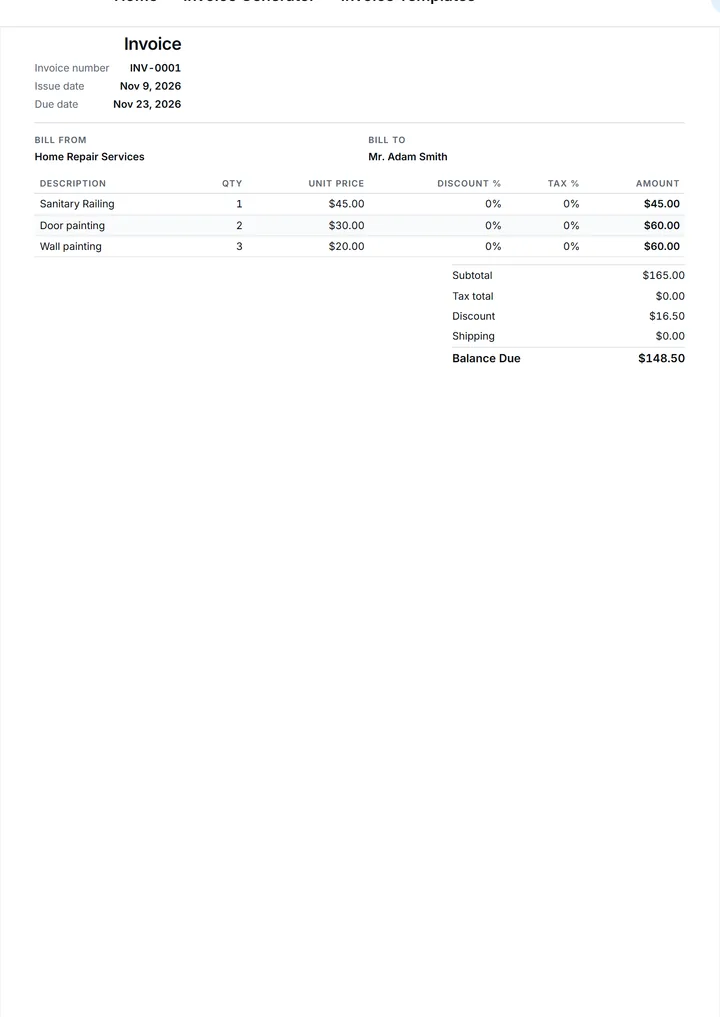
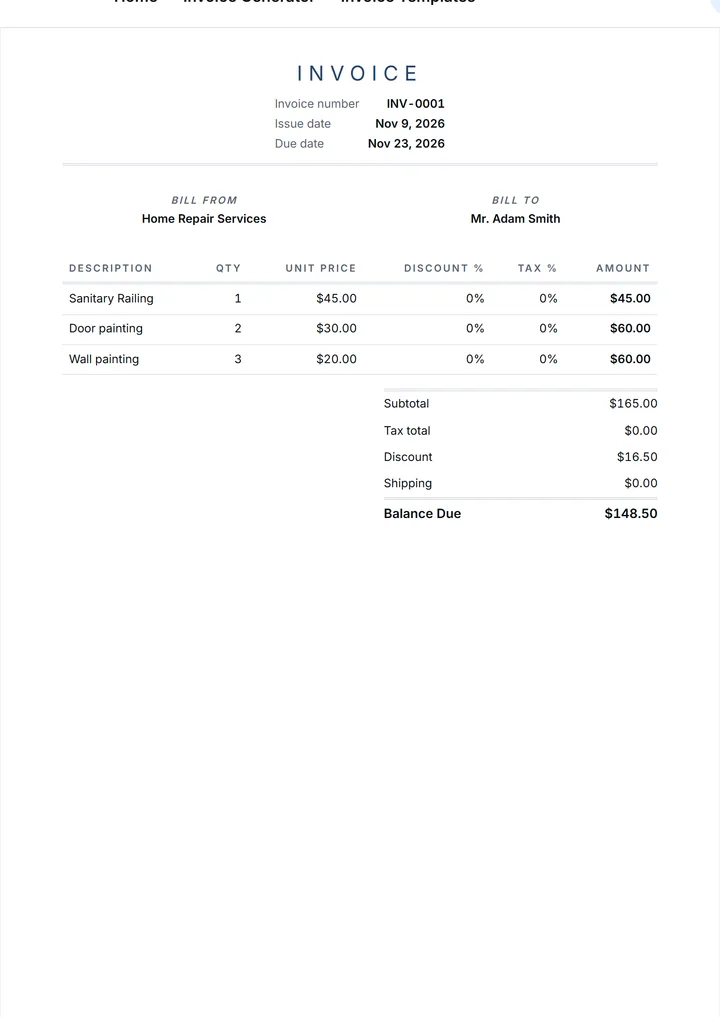
Save clients and line items for reuse
Clients are not data entry you should repeat. Save a client once — name, Address, Email, Phone, Tax ID — and pick them from the list next time. Your usual line items stay available with their Qty and Unit price, so a repeat job takes a minute instead of twenty. Drafts you are not ready to send stay marked as DRAFT.
Open the invoice generatorTrack paid, unpaid and overdue invoices
An invoice that is not paid is still open work. Each document keeps a status, so you can see what sits in DRAFT, what is out for review in PREVIEW and what has passed its Due date and is overdue. That list tells you who to follow up with today; it does not send the reminder for you and it does not promise a payment date.
See the feature listReports and income at a glance
Totals add up somewhere in the app, so you can look at a month without a spreadsheet. See how much you have invoiced, how much is still open and how the work is spread across clients and periods. It is a view of your own paperwork, not financial advice: keep your records where your accountant needs them.
Read the overviewWorks on iPhone, iPad and desktop
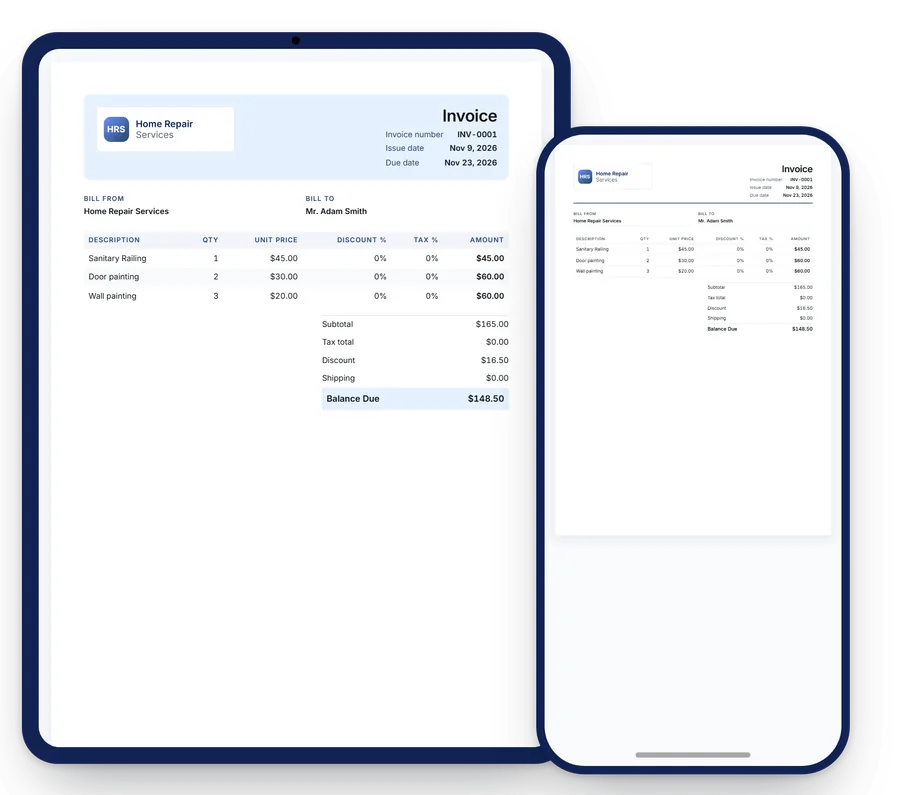
Draft an invoice on iPhone while you are still on site, then open the same template on iPad at the kitchen table and check the numbers on a bigger screen. In a desktop browser, the invoice generator on this site does the same job with a keyboard: no signup, no upload, and you print the PDF from the browser.
Open the invoice generatorGet paid your way: bank, PayPal or cash
Every client pays differently, so the document should carry the instructions. Put your bank details, a PayPal option or a cash note into Payment terms and Notes, and the client reads them with the Balance due. The app never moves that money and never touches your account: it hands the client a clear request, and the payment happens between you.
Open the invoice generatorInvoice Best Maker overview
Invoice Best Maker is an invoice maker for people who bill for their own time: freelancers, contractors and small businesses that send invoices every week but have nobody to hand the paperwork to. The iOS-first app runs on iPhone and iPad, and the invoice generator on this site does the same job in a desktop browser, so a document can be started on a job site and finished at a desk.
You pick a document type — Invoice, Estimate, Receipt or Pro forma — fill a short form, and the app carries the rest. There are 6 templates to put your Logo on, automatic totals for Subtotal, Tax, Shipping, Discount and Balance due, 20 currencies for clients who pay in something other than your own, and saved clients and line items for the next job. Your first 3 documents are free. Prices shown in the App Store may change. The generator on this site asks for no account and no email.
Benefits for freelancers, contractors and small businesses
- Time saved. The slow part of invoicing is repetition, not difficulty: the same client details, the same line items, the same total to check by hand. Invoice Best Maker keeps all of it once and refills it on request, so a repeat invoice is a short edit instead of a fresh document. What you get back is an evening, not a spreadsheet.
- A professional look. A document with your Logo, a clean layout and a clear Balance due reads like a company that has done this before. That matters when the client is a purchasing department, and it matters when the client is a neighbor. The formatting decisions are made once, inside the template, and stop being your problem on every invoice.
- Templates and branding that stay put. 6 designs cover the range from quiet to loud: Classic and Minimal for a contractor, Bold and Modern when the brand is louder, Compact for a long list of line items, Elegant when the invoice goes to a hotel. Logo, colors and payment terms are set once and reused, so your numbering and layout stop drifting between documents.
- Available where the work happens. The app is made for iPhone and iPad, which is where the photo of the finished job and the client's name already are. The generator on this site runs in a desktop browser for the people who would rather type on a keyboard: no signup, and what you type stays in your browser. There is no web account and no dashboard; the app is the app, and the generator is the website.
Features and tools
- Create and edit a document. Four document types, one form. Set Number
(
INV-0001), Issue date and Due date, your Company and the Client name, then add line items with Qty and Unit price. Tax, Discount and Shipping work per document, and Subtotal and Balance due update as you type, so nothing has to be added twice. - Your Logo and the design you want. Upload a Logo as PNG, JPG, WebP or SVG up to 2 MB, pick one of the 6 templates and adjust the colors. Preview the page before the document leaves your phone. A template is a design choice, not a migration: your data stays exactly where it was.
- Clients and line items you keep. Save a client with Address, Email, Phone and Tax ID, and save the services you sell with their usual quantity and price. Reusing them is one tap, and it keeps the wording of a description the same between an estimate and the invoice that follows it.
- Statuses you can read. Documents carry a status — DRAFT, PREVIEW or Overdue — so an open week is visible without a spreadsheet: what still sits on your phone, what is with a client and what has passed the Due date you set.
- Print, save and send. When the numbers are right, the PDF is one step away: print it from the browser or share the file from the app, attach it to an email, or hand the phone across the table. Your payment instructions — bank, PayPal or cash — travel with the document.
Pricing and free version
The app is free to download and includes 3 documents at no cost. Unlock unlimited documents with a subscription from $4.99 per month — or choose $29.99 per year or a one-time $99.99 lifetime license. Prices shown in the App Store may change.
All purchases happen in the app through the App Store, so the amount you agree to is the amount the App Store charges. The invoice generator on this site never asks for a card and never asks for an email: it is a page on a website. If you invoice a handful of clients a year, the free volume may cover you. If invoices are how you get paid every week, the subscription is what keeps the client list, the numbering and the saved line items working for you.
Reviews: 4.6 out of 5 from 163 App Store ratings
Rated 4.6 out of 5 from 163 ratings on the App Store (as of November 2026). That is the only rating we publish, and it is a figure you can check in the App Store listing on the day you read it. We do not quote reviews we cannot point to, and we do not print stars we did not earn. If this page and the listing ever disagree, the listing is right and this page is out of date.
Bottom line
Invoice Best Maker is a small, specific tool. It makes a document that looks professional, does the arithmetic for you and keeps the boring parts — clients, line items, numbering — so you do not rebuild them every month. It runs on iPhone and iPad, and the generator works in a desktop browser.
Your first 3 documents are free, and the generator on this site is open right now with no signup. Write one invoice, print it, and see whether the flow suits you. Create Invoice Now, or look at the designs first in See templates.
Small print: Prices shown in the App Store may change.
Start free today
The Invoice Best Maker app is free to download and includes your first 3 documents at no cost. The generator on this site needs nothing at all: no account, no card and nothing to install. Prices shown in the App Store may change.
Frequently asked questions about Invoice Best Maker
What is Invoice Best Maker and why do I need it?
Invoice Best Maker is an invoicing app for iPhone, iPad and a desktop browser: it turns your details, a client and a few line items into a clean PDF invoice. You need it because a readable invoice with your Logo, a clear Balance due and a Due date gets understood faster than a message in a chat, and the totals are calculated for you, not by hand.
Who is it for?
It is built for freelancers, contractors and small businesses — the people who write their own invoices. Tradespeople on site, designers and consultants who bill by the hour, a small company that sends a dozen documents a month all fit. If your work produces a job, an hour or a delivery rather than a warehouse, the form on the screen already matches what you sell.
Can I use it if I only have a few clients?
Yes. A short client list is the easiest case: the app keeps the details you already have and refills them, so each new invoice starts from a saved client instead of an empty form. The first 3 documents are included with the app. There is no customer database you have to import and nothing to configure before the first document looks like yours.
How much does it cost?
The app is free to download and includes 3 documents at no cost. A subscription that unlocks unlimited documents starts from $4.99 per month, with $29.99 per year or a one-time $99.99 lifetime license as the longer options. Prices shown in the App Store may change. Purchases happen in the app through the App Store; this website never takes a payment.
Is my data safe?
The generator on this site runs in your browser: what you type is kept in your browser's storage and is not sent to a server, which is also why it works without an account. In the app, your documents live on your iPhone and iPad, and purchases go through the App Store. Read the Privacy policy for what the website does see.
What do I get with the paid plan?
The paid plan removes the 3-document limit: with a subscription you keep writing invoices, estimates, receipts and pro forma invoices without counting them, on the same designs and with the same saved clients and line items. It is available from $4.99 per month, $29.99 per year or a $99.99 lifetime license. Prices shown in the App Store may change.